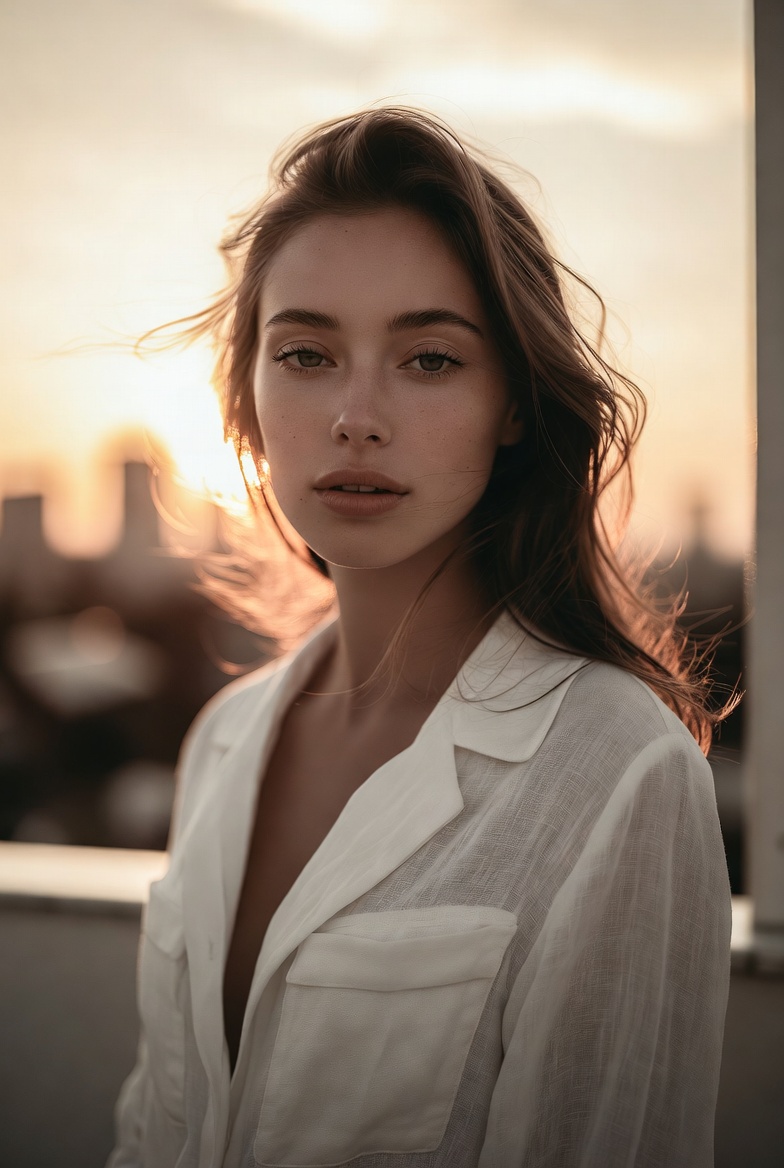
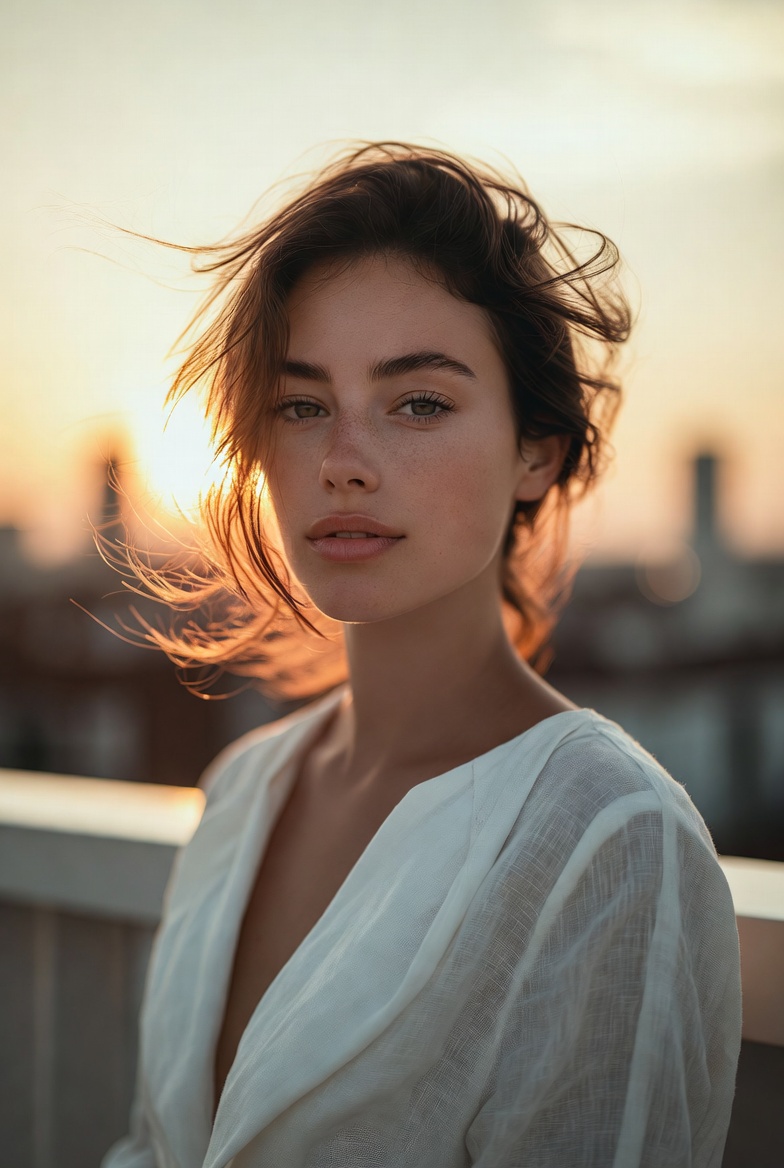
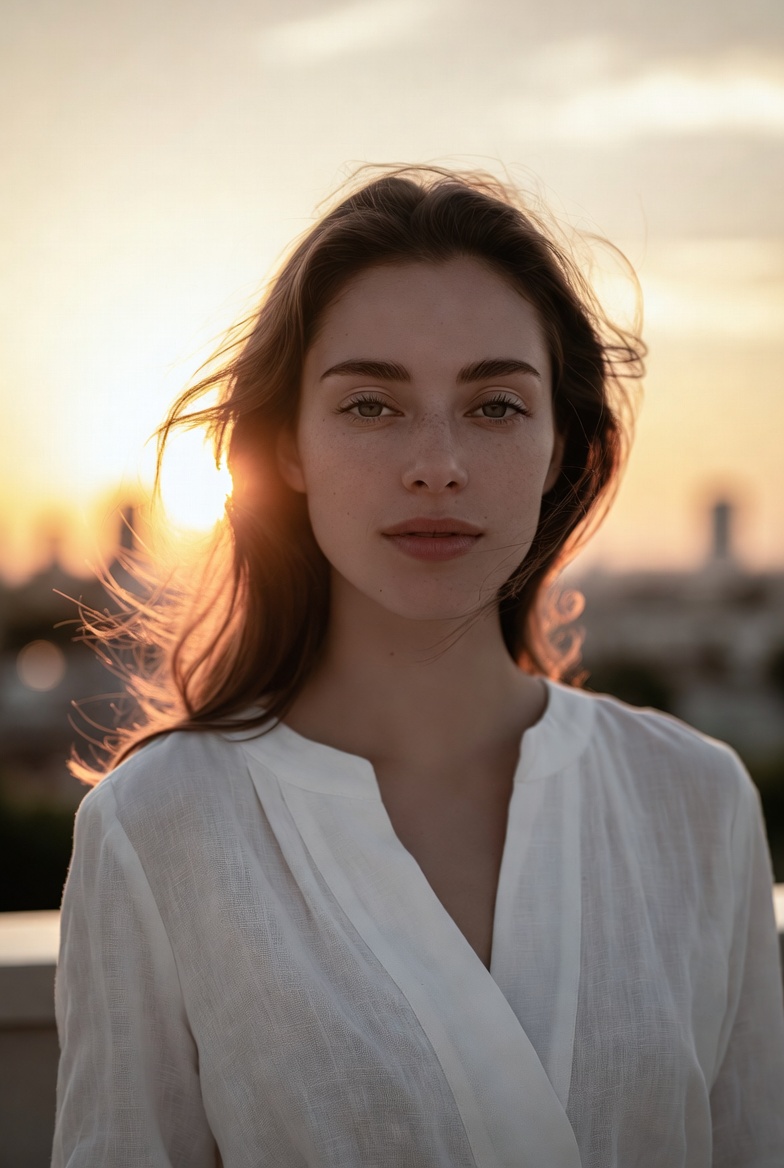
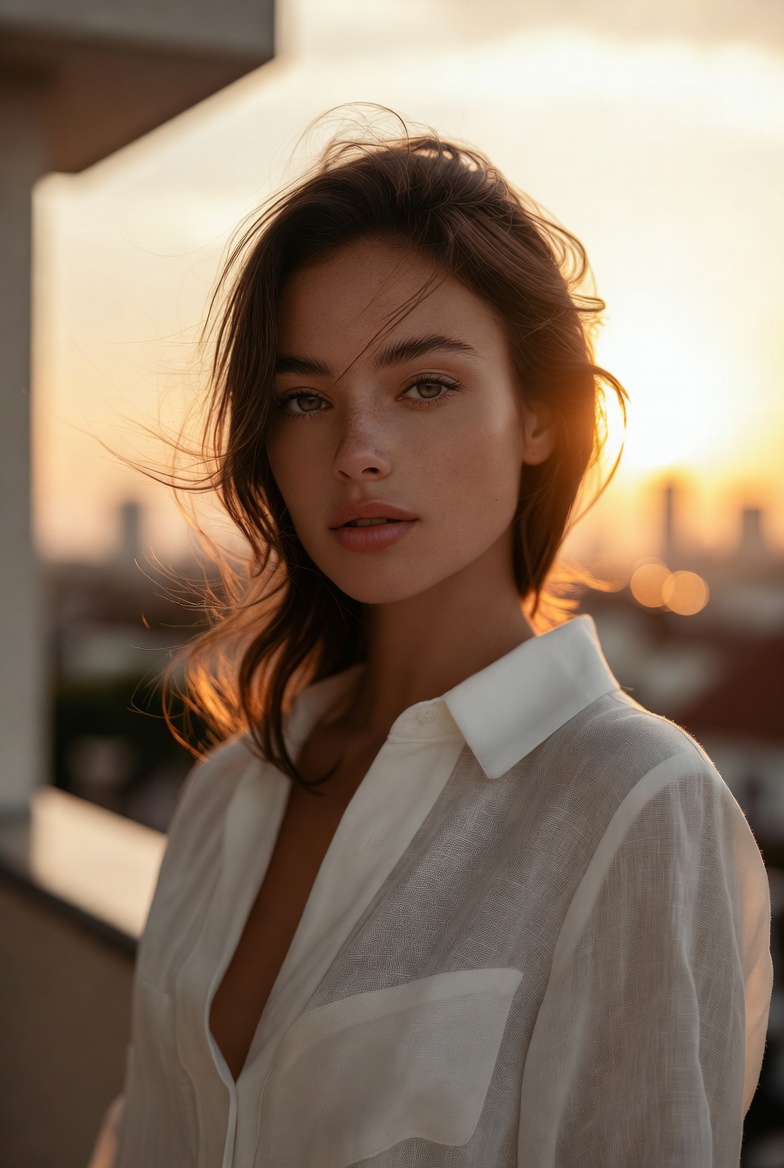
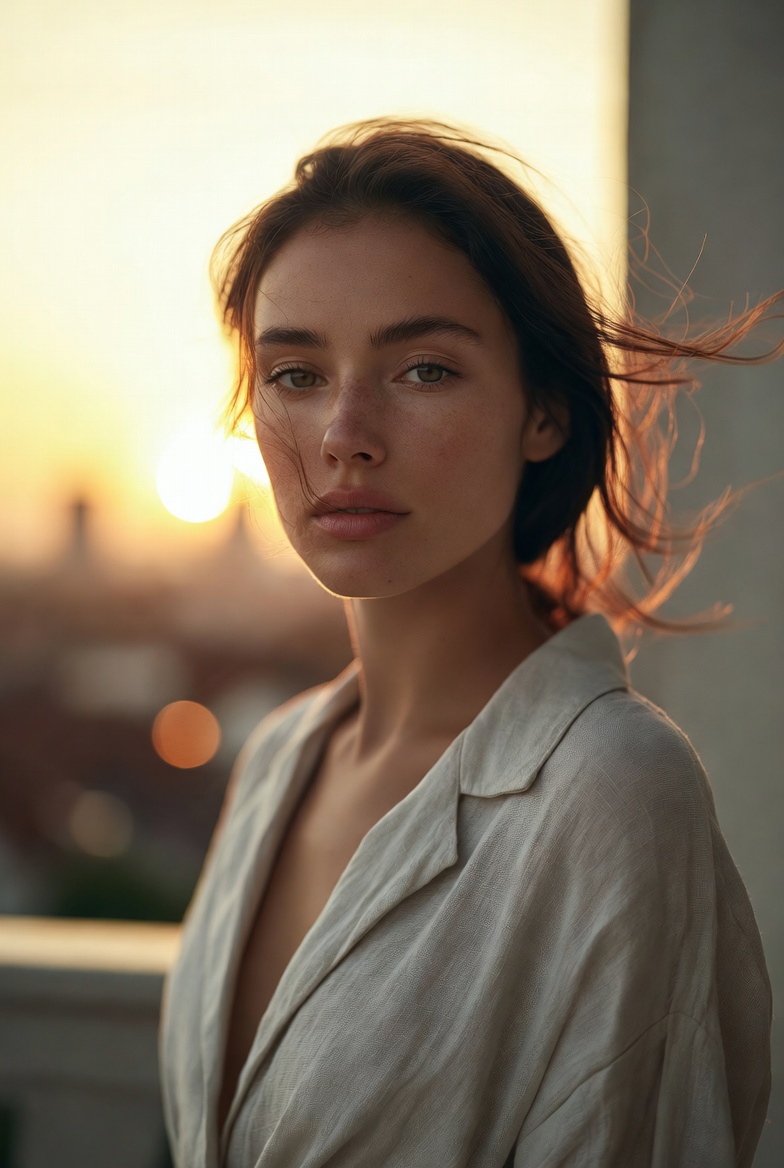
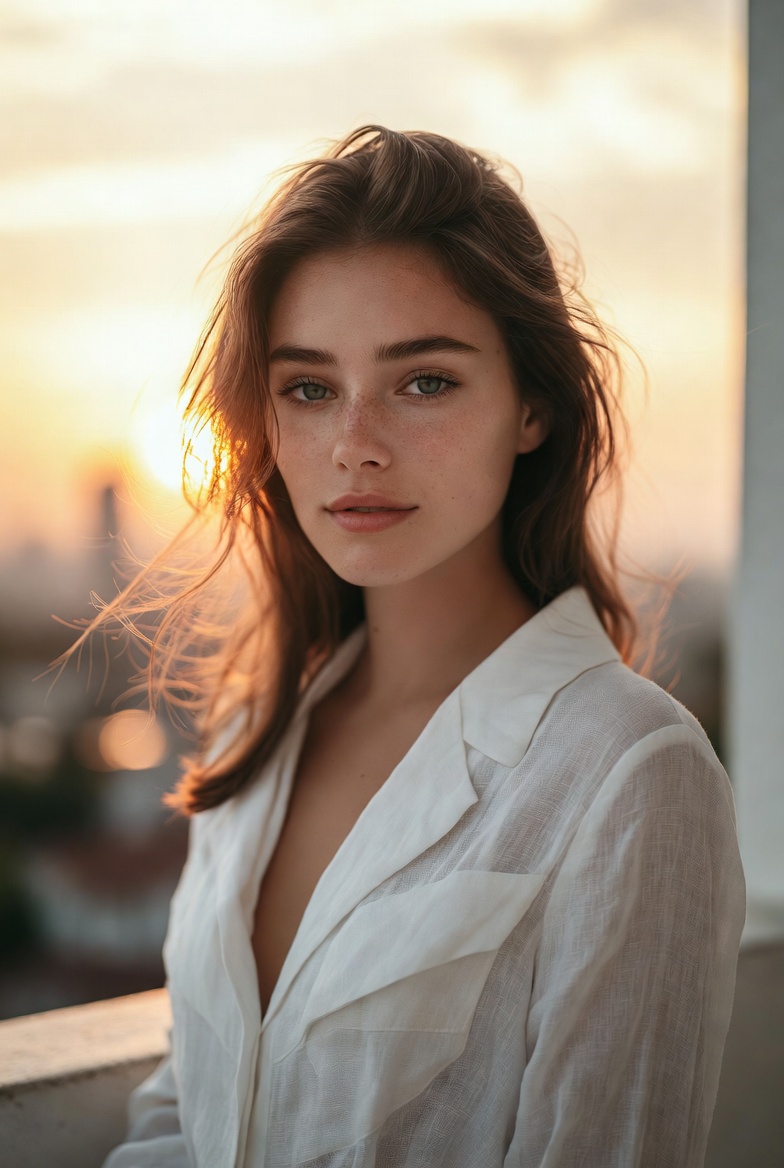
Golden hour portraits have a special advantage in AI image generation: the light already “tells a story.” That low, warm sun wraps edges in a gentle glow, lifts skin tones, and creates a naturally cinematic mood without complicated sets. In this concept, the subject is a beautiful young adult woman (21+) with a modern, composed presence elegant, confident, and grounded in realism. She’s framed on a minimalist balcony at sunset, where the scene feels both intimate and expansive: close enough to read micro-details in skin texture, but open enough to capture distant city bokeh and atmospheric depth.
For photorealistic results in Midjourney v6, SDXL, and Flux, golden hour is especially forgiving while still looking premium. Warm backlight creates separation between the subject and background, which helps the model keep edges clean around hair and shoulders. It also encourages natural highlight gradients instead of harsh, studio-style hotspots. The trick is balancing that backlight with a soft fill described as reflected light so the face remains detailed and properly exposed. That balance is what keeps the portrait from turning into a silhouette or an overly glowy, washed-out image.
This prompt style is ideal for lifestyle editorials, personal branding visuals, and cinematic character portraits that need to feel approachable and contemporary. The wardrobe cues (modern linen, clean lines) keep the look timeless and avoid cluttered patterns that often cause rendering artifacts. Meanwhile, the camera language (a “35mm lens look,” shallow depth of field, and an eye-level three-quarter frame) guides composition toward a natural, documentary-meets-editorial aesthetic. The overall goal: a believable sunset portrait that looks like it came from a high-end location shoot warm, crisp, and confidently modern.
The AI Prompt
Why This Prompt Works
This prompt works because it defines a lighting scenario the model can reliably interpret: sunset backlight + soft fill. Backlight creates clean separation and a natural glow, while “reflected fill light” prevents underexposure on the face. The minimalist balcony setting reduces environmental confusion and keeps attention on the subject, while the distant skyline bokeh adds depth without demanding detailed architecture. These choices are deliberate: photorealism improves when the scene has a simple foreground and a controlled, softly rendered background.
The camera instructions further stabilize the result. A “35mm lens look” gives a slightly wider, lifestyle feel compared to 85mm headshots, and “f/2.0” helps blur the city into pleasing shapes while preserving enough facial detail for realism. “Eye-level” framing avoids awkward perspective distortion, and “rule of thirds” often yields stronger compositions with natural negative space. Realism cues pores, skin texture, lifelike eyes, highlight roll-off are included to keep the image grounded and editorial rather than glossy or artificial.
Tips for Customization
To vary the scene without breaking the golden-hour logic, change the balcony environment subtly: “white stucco terrace,” “glass railing with soft reflections,” or “rooftop garden with minimal greenery.” Keep background elements distant so they remain bokeh, not clutter. For wardrobe, rotate fabrics that read well in warm light: “cream knit top,” “tailored blazer in sand tone,” or “simple black dress with clean neckline” (still professional and non-suggestive). If you want a more modern vibe, shift the grade: “warm amber highlights with slightly cooler shadows” for a contemporary editorial finish.
You can also adjust the wind and hair detail: “gentle breeze” for a natural look, or “still air” for crisp edges. To make the portrait more cinematic, add “subtle film grain, slight vignette, soft contrast curve.” For a brighter, airy feel, include “lifted shadows, soft pastel warmth.” Make only one or two changes per iteration to keep outputs consistent and avoid the model introducing random props or busy patterns.
Common Issues & Fixes
- Issue: Face becomes too dark due to strong backlight.
Fix: Emphasize “soft reflected fill light on the face, balanced exposure, visible facial detail.” - Issue: Glow looks too intense or unrealistic.
Fix: Add “gentle halo, controlled highlights, soft highlight roll-off, no blown highlights.” - Issue: City background becomes sharp and distracting.
Fix: Reinforce “distant skyline bokeh, background out of focus, subtle shapes only.” - Issue: Hair edges look messy or melted.
Fix: Use “clean separation, well-defined hair strands, controlled backlight” and keep the breeze “light.” - Issue: Colors turn overly orange.
Fix: Add “natural warm tones, neutral skin color balance, editorial color grade.”
Frequently Asked Questions
Q1: Can I switch to a tighter portrait without losing the golden hour feel?
Yes change to “medium close-up” or “head-and-shoulders,” keep the same sunset backlight and fill language.
Q2: How do I make it feel more like a high-end fashion editorial?
Add “editorial styling, refined wardrobe, minimal set design, premium color grading,” and keep textures realistic.
Q3: What’s the best way to keep the image clean for branding use?
Stick to a plain balcony, minimal accessories, neutral wardrobe colors, and always include “no text, no watermark.”