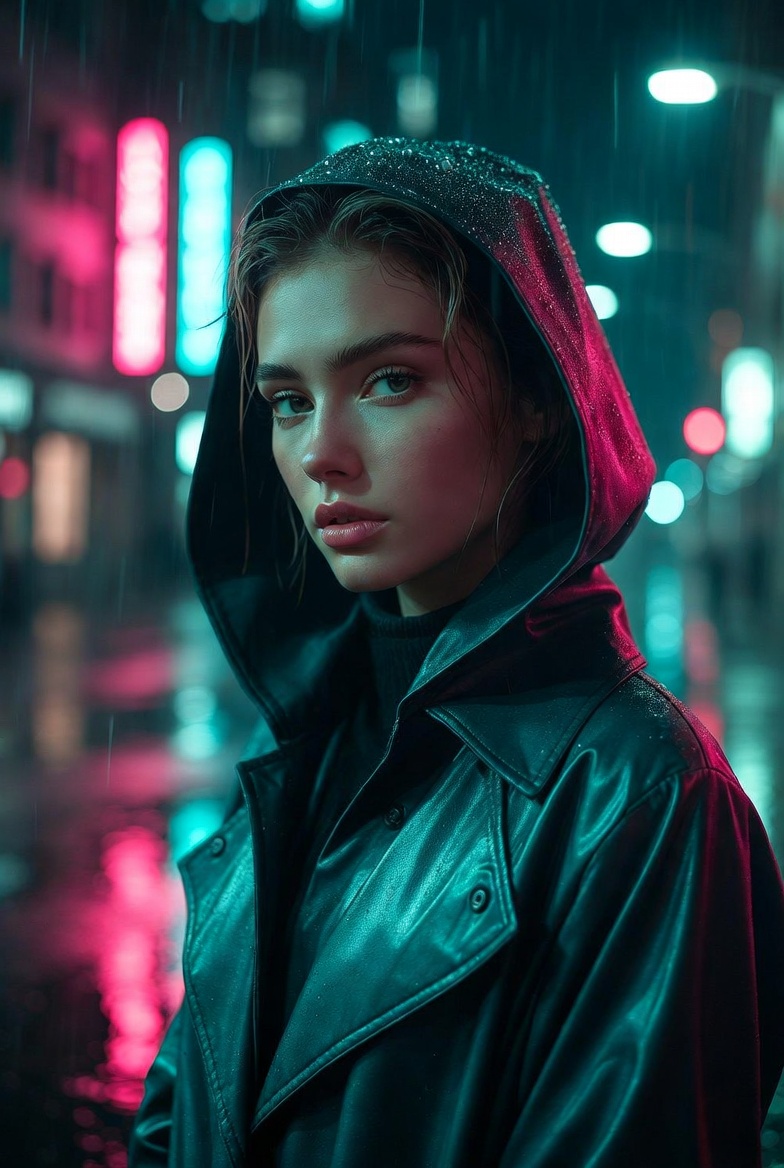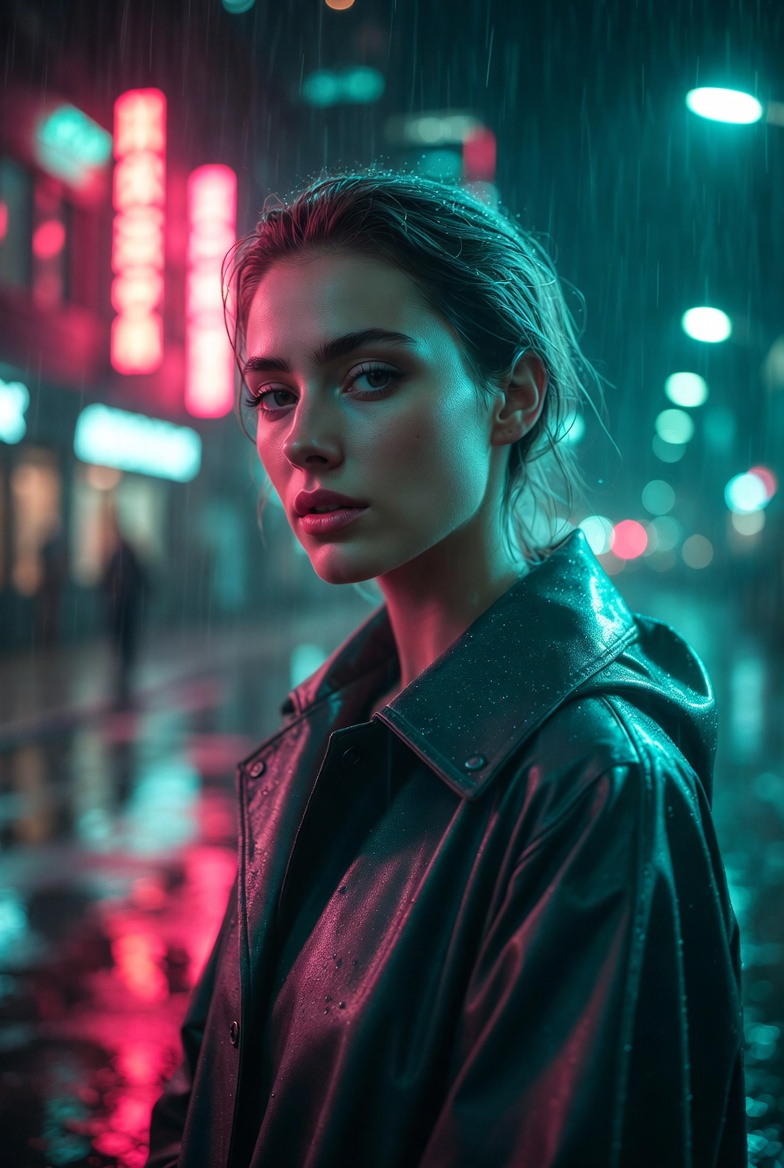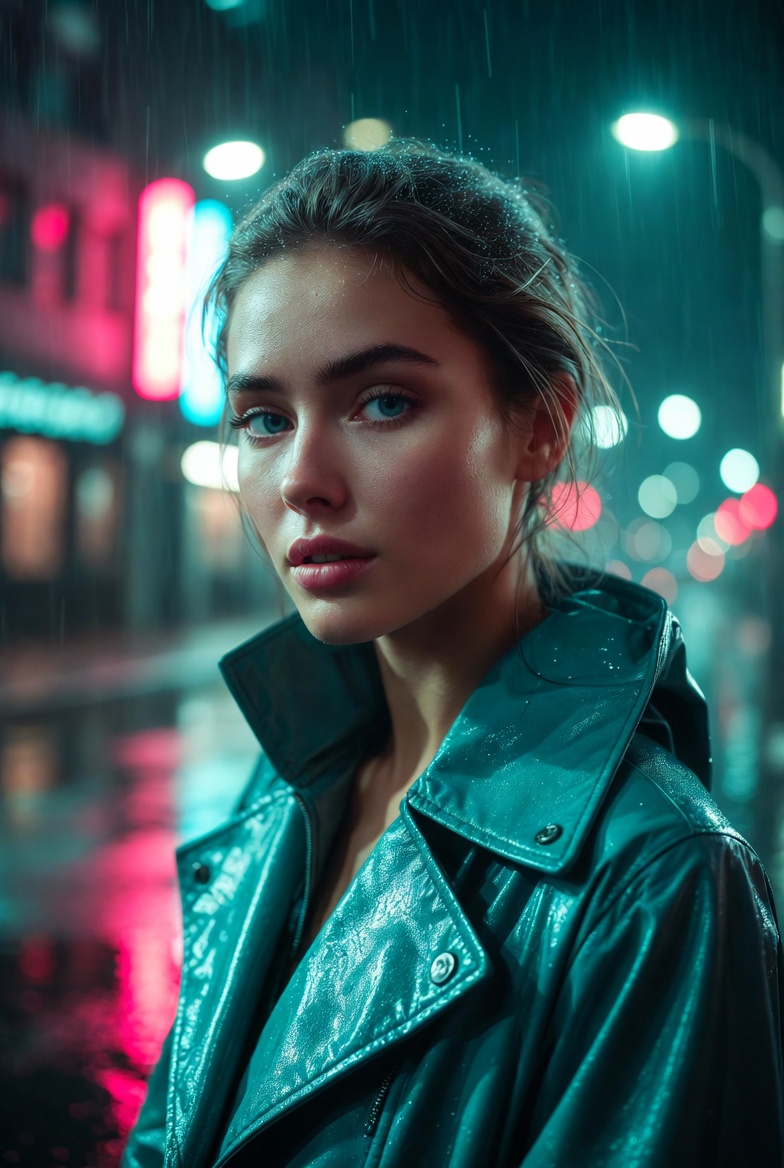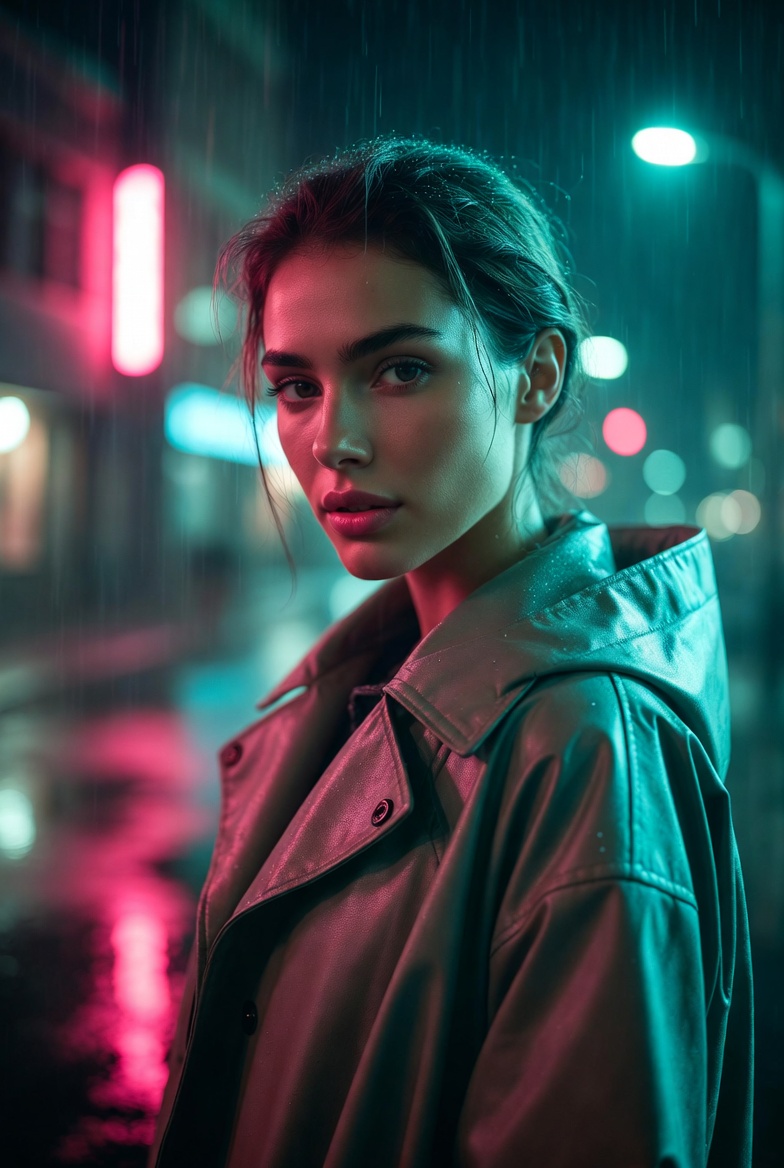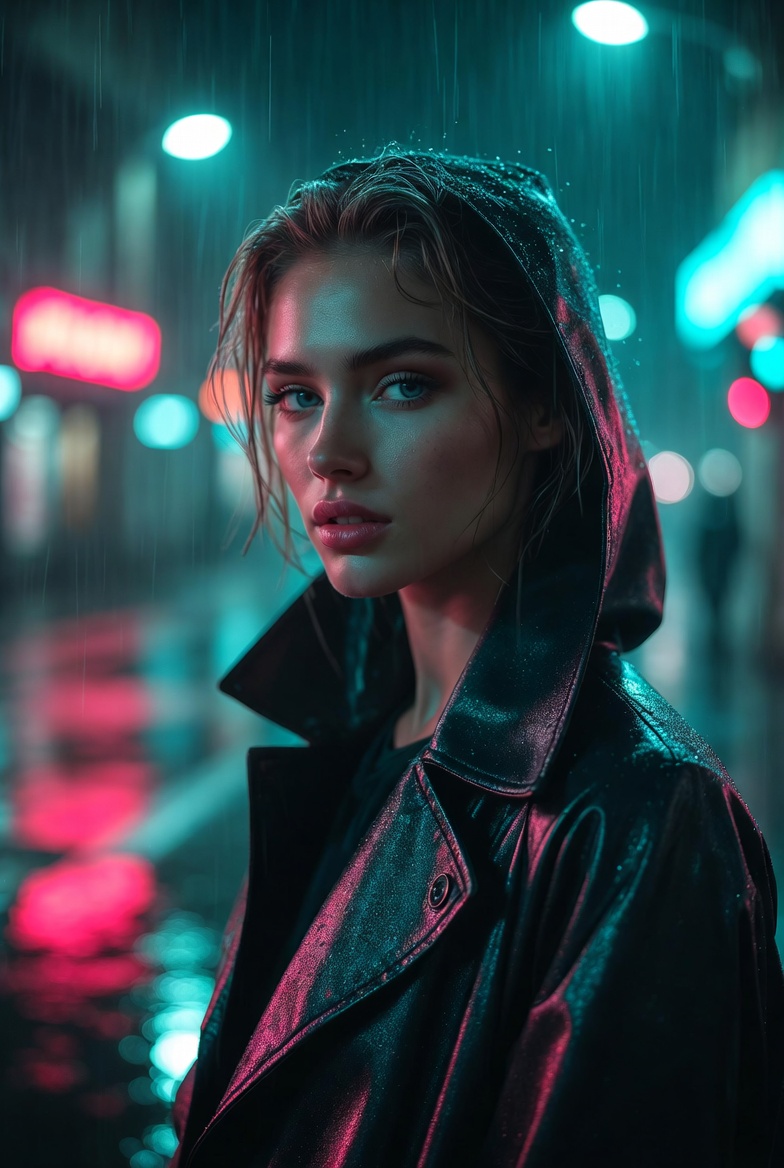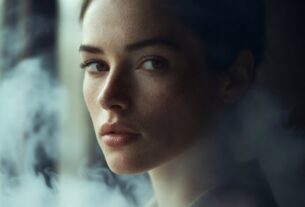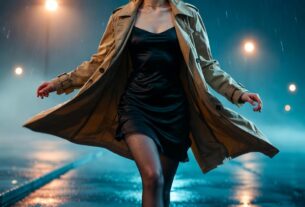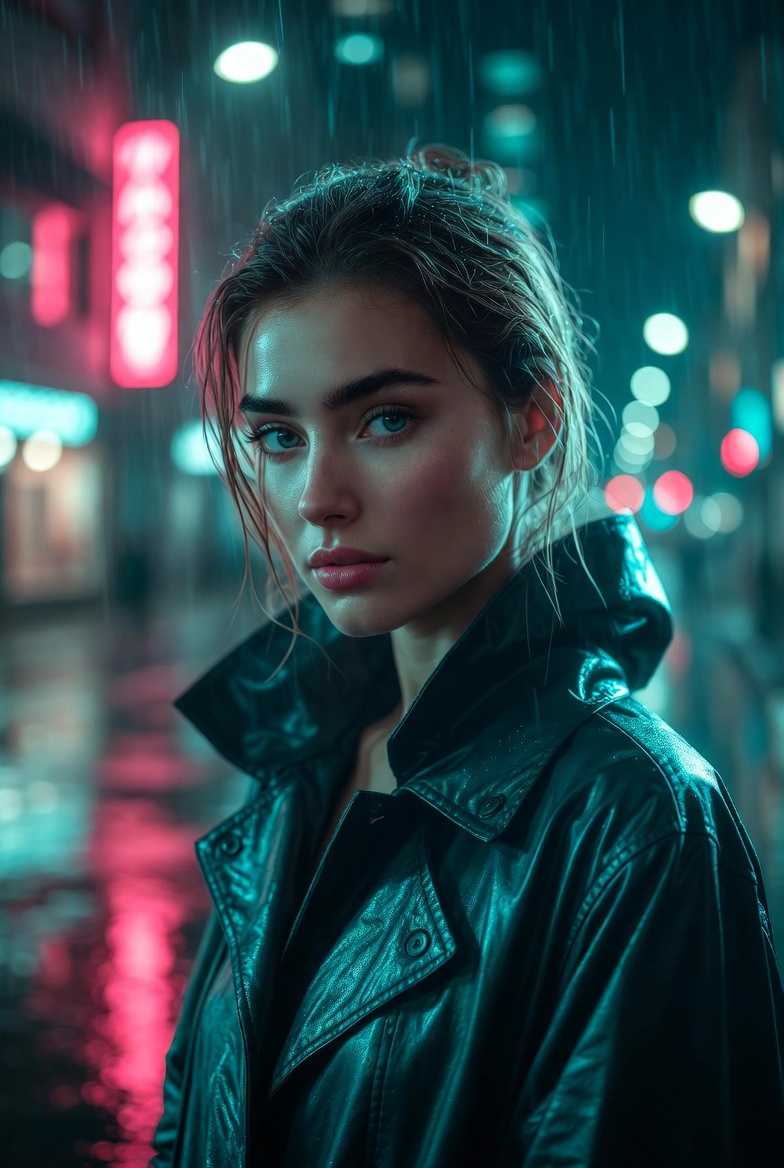
Night street portraits are where AI image generation can look astonishingly real if you give the model enough structure to understand what’s happening with light, moisture, and depth. This page focuses on a beautiful young adult woman (21+) standing confidently in a rain-kissed city scene, surrounded by neon reflections that ripple across wet pavement. The vibe is modern, cinematic, and intentionally “film-still” rather than glossy fantasy: you want believable street lighting, gentle haze in the distance, and realistic texture in the skin and fabric so the image feels photographed, not rendered.
The key to making neon rain work is describing how the environment behaves. Wet streets amplify color, creating mirror-like reflections that instantly signal realism when done right. Soft rain and mist catch light in the air, adding dimensionality and separating foreground from background. When you pair that with shallow depth of field and practical lights behind the subject, you get a natural sense of scale like the city continues beyond the frame. The subject should read as elegant and composed: modern rainwear, understated styling, and a calm expression that communicates confidence without leaning into anything suggestive.
This style is extremely useful for creators building cinematic character portraits, fashion-forward editorials, album-cover concepts (without text), or brand visuals that feel contemporary and premium. It’s also a reliable prompt pattern because you can rotate neon colors, street types, wardrobe, and weather intensity while keeping the same “physics”: reflective ground, glowing signage, atmospheric haze, and lens-based bokeh. When those pieces stay consistent, Midjourney v6, SDXL, and Flux tend to deliver more coherent, photorealistic results with fewer odd artifacts.
The AI Prompt
Why This Prompt Works
This prompt gives the model a clear, cinematic “lighting story.” Neon signage plus wet pavement creates a strong cause-and-effect relationship: the same colors appear in the background glow and in the ground reflections, which reinforces realism. “Soft rain” and “atmospheric haze” add depth cues that help prevent flat, cutout-looking subjects. By specifying “diffused practical street lights” and “blurred traffic lights,” you’re instructing the engine to place plausible light sources where they belong and render them as bokeh rather than sharp shapes reducing clutter and improving subject focus.
Camera language matters here. A “50mm lens look” is a versatile, natural perspective for street portraits, while “f/1.8 shallow depth of field” drives background separation and cinematic softness. Realism cues (skin texture, pores, highlight roll-off, film grain) push the output away from the overly clean, synthetic look. Composition notes like “eye-level” and “rule of thirds” help the engine place the subject confidently in frame, which often improves facial symmetry and prevents awkward cropping. Together, these constraints steer Midjourney v6, SDXL, and Flux toward a cohesive, editorial night portrait with consistent color logic.
Tips for Customization
Keep the core physics intact night + rain + neon + reflections and then customize around it. For mood, swap descriptors: “quiet determination,” “friendly confidence,” “mysterious calm,” or “focused and poised.” For wardrobe, try “structured trench coat,” “minimalist hooded jacket,” or “modern blazer under a rain cape,” staying clean and non-busy. To shift the cinematic grade, rotate palettes: “amber and cyan,” “electric blue and violet,” or “warm red neon with cool streetlight fill.”
For a different environment, change the street type without adding clutter: “narrow alley with neon,” “wide avenue with distant signage,” or “subway entrance glow.” You can also refine the rain intensity: “fine mist” for subtle atmosphere, “steady rain” for stronger droplets, or “post-rain drizzle” for maximum reflections. If you want more editorial polish, add “makeup natural and understated, wardrobe matte fabric, controlled highlights” to reduce shiny artifacts and keep the portrait premium.
Common Issues & Fixes
- Issue: Neon colors overwhelm the face.
Fix: Add “soft key light on face, balanced exposure, controlled neon spill” and keep the neon described as background glow. - Issue: Reflections look messy or inconsistent.
Fix: Reinforce “wet pavement mirror reflections, coherent light sources, realistic reflection direction.” - Issue: Rain looks like noise.
Fix: Use “soft rain particles catching light, fine mist, atmospheric haze” instead of “heavy rain” if artifacts appear. - Issue: Background becomes too detailed and distracting.
Fix: Emphasize “subtle bokeh, blurred signage, distant lights, minimal clutter.” - Issue: Face lacks detail or sharpness.
Fix: Add “sharp focus on eyes, high detail facial features, lifelike catchlights,” and keep the framing medium close-up.
Frequently Asked Questions
Q1: Can I make this look more like a fashion editorial than a film still?
Yes add “editorial styling, clean color grade, controlled contrast, studio-quality retouching while keeping natural skin texture.”
Q2: What if the model adds random text to signs?
Keep “no text, no watermark” and describe signage as “abstract neon shapes” or “unreadable glowing signage” for cleaner outputs.
Q3: How do I create a brighter, safer night mood?
Switch to “warm streetlights, gentle amber glow, inviting atmosphere,” and reduce contrast while keeping wet reflections for realism.