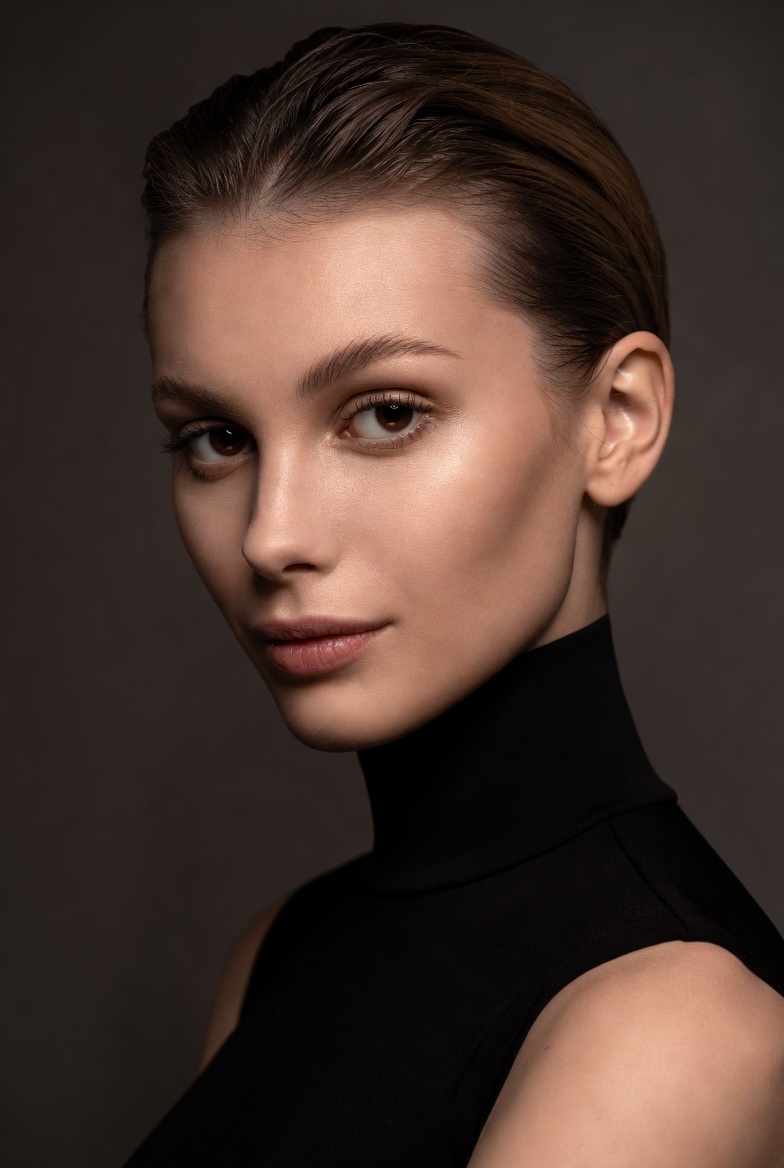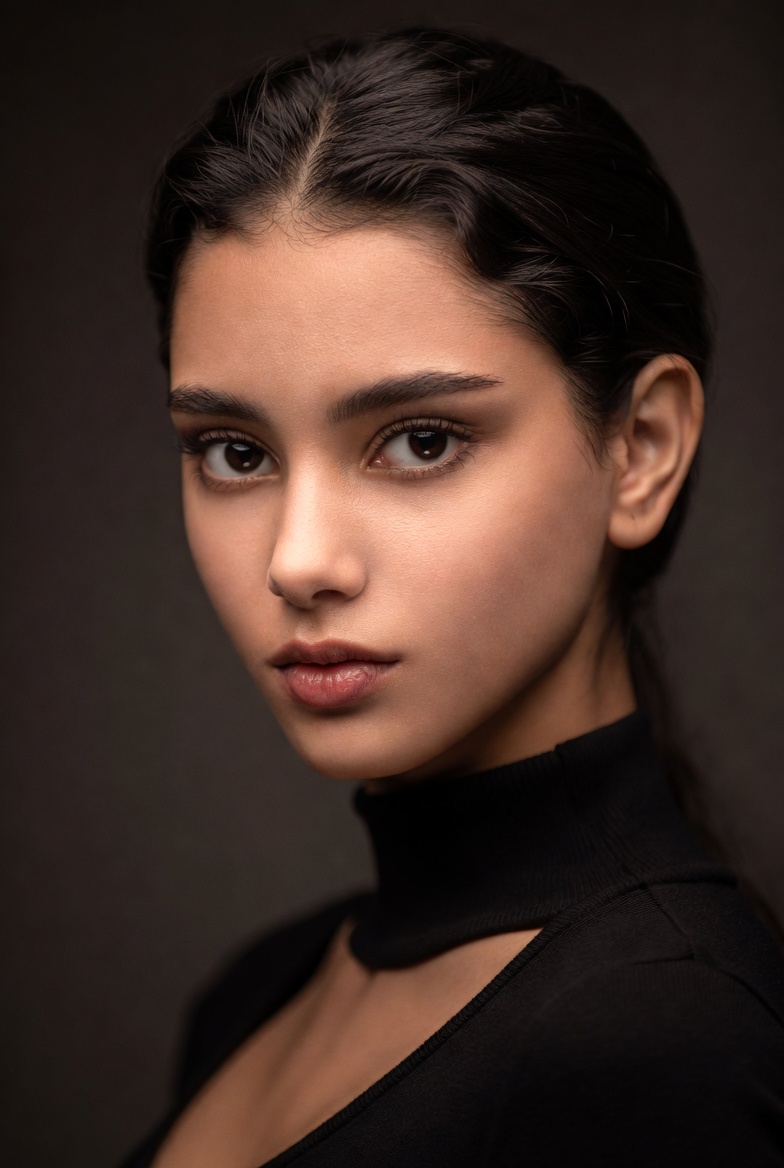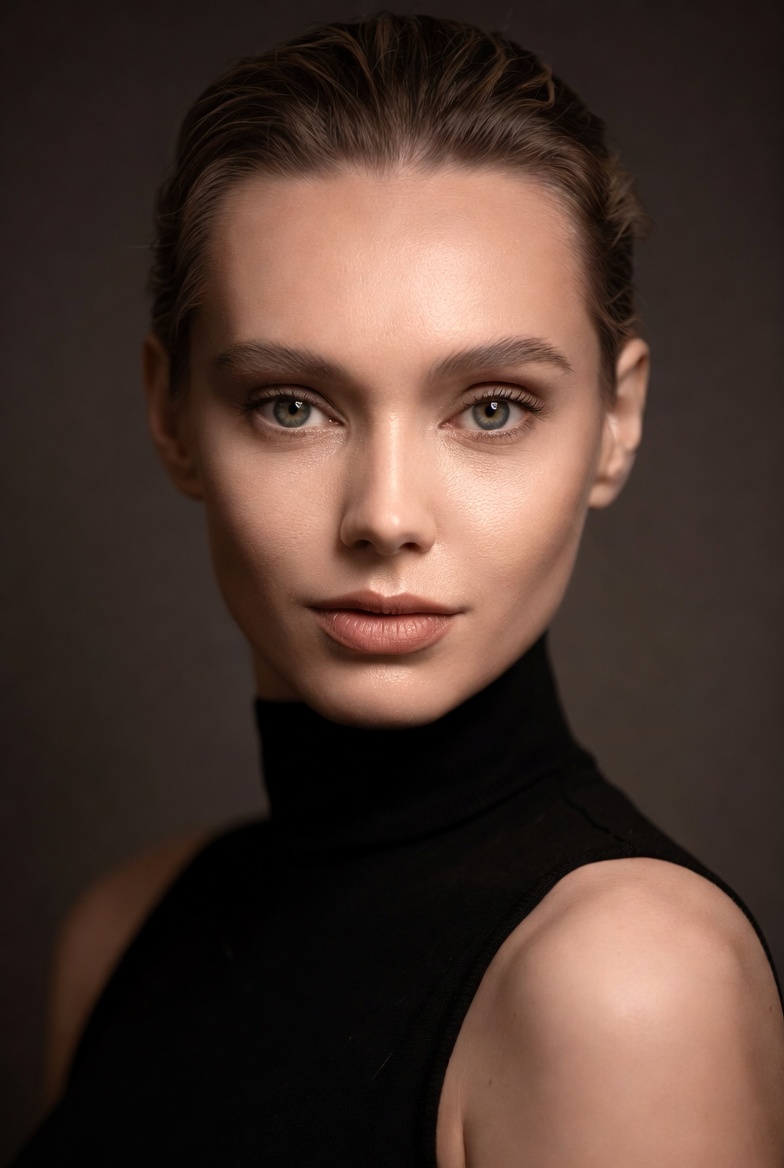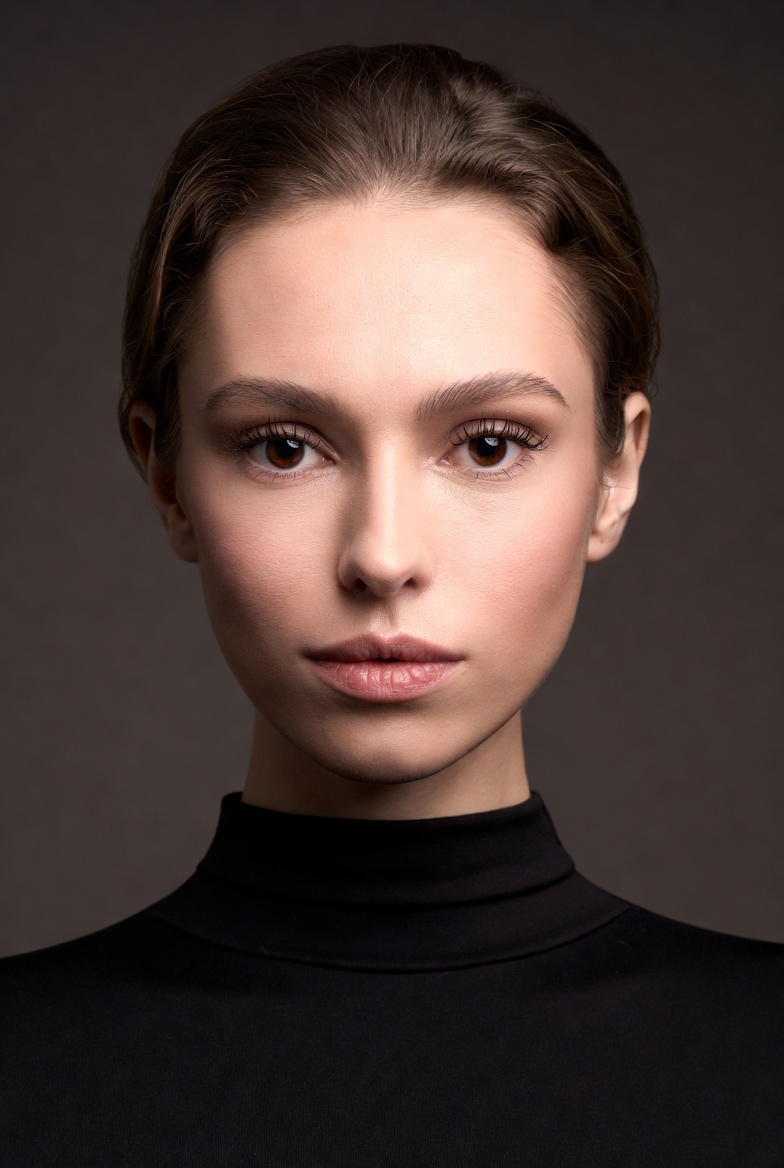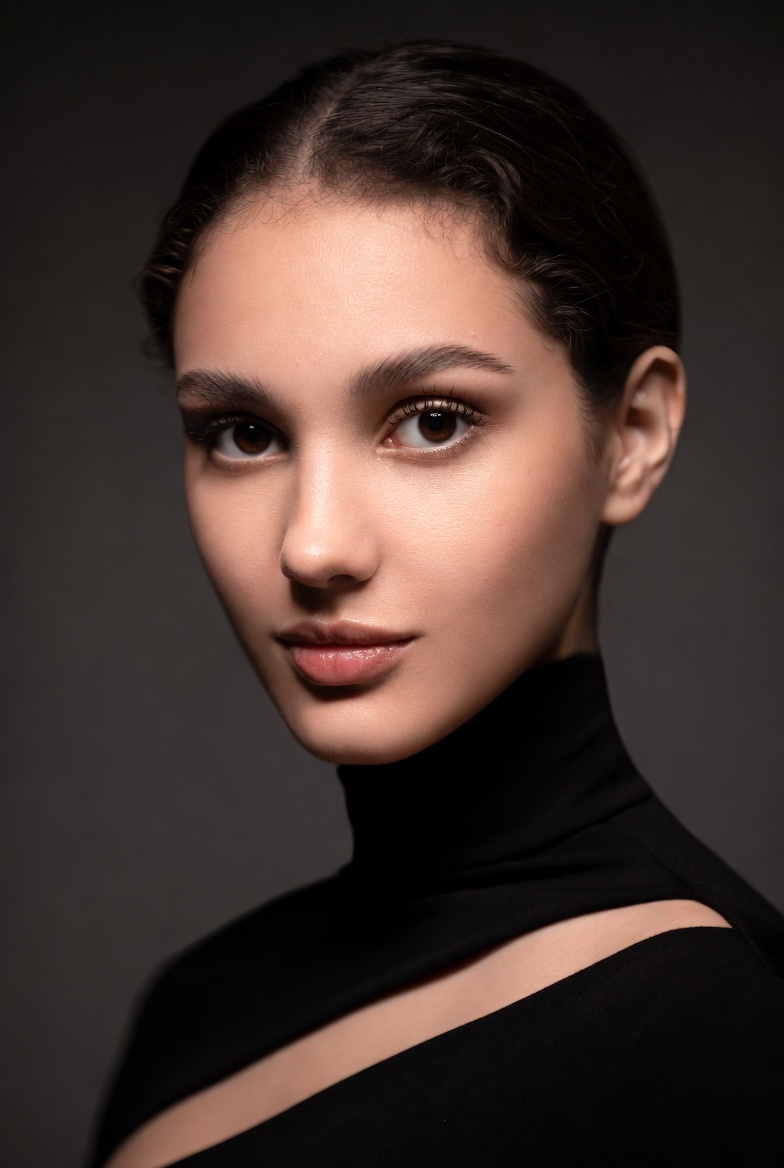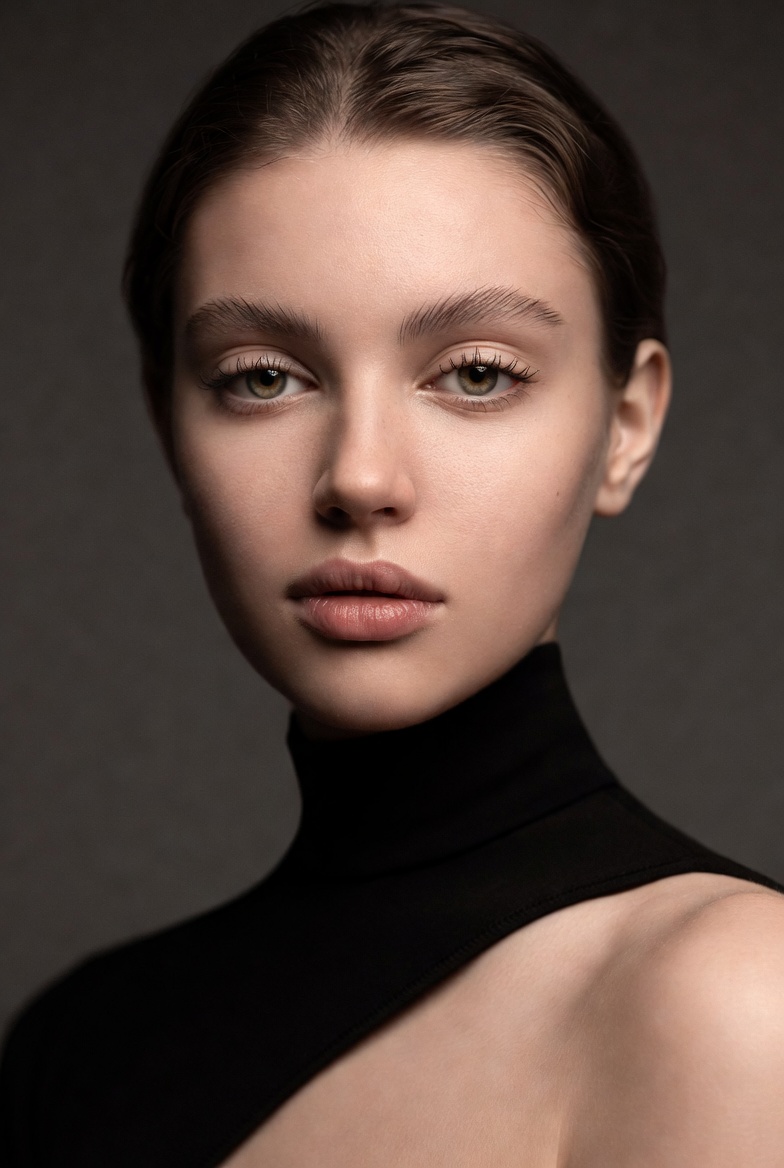
If you want a portrait that feels timeless, cinematic, and professionally lit without relying on neon, dramatic sets, or heavy effects Rembrandt lighting is one of the best foundations you can use. It’s recognizable by the subtle triangle of light on the shadow-side cheek, a classic studio technique that adds depth and sculpted dimension while still flattering the face. In this page, the subject is a beautiful young adult woman (21+) with a poised, confident expression and modern styling. The goal is editorial realism: clean wardrobe, controlled shadows, and skin that looks naturally detailed rather than overly retouched.
Rembrandt lighting is especially effective in AI image generation because it gives the model clear instructions about where light should fall. When the prompt defines the key light position (above and to the side), the AI has an easier time producing coherent facial geometry cheekbones, jawline, nose shadow without the “flat face” problem that can happen in vague portrait prompts. The look is sophisticated and modern when paired with minimalist wardrobe like a black turtleneck, which keeps attention on the face and avoids distracting patterns.
To keep the image photorealistic, the prompt emphasizes realistic skin texture, lifelike eyes, and a controlled tonal range. That means rich shadows with detail, highlights that roll off softly, and an editorial grade that feels like a magazine portrait rather than a glossy poster. This style works beautifully for character portraits, brand imagery that needs gravitas, and portfolio pieces where lighting craftsmanship is the main aesthetic. It’s also adaptable: once you’ve locked the Rembrandt structure, you can swap backdrops, clothing colors, and mood words while maintaining the same professional lighting “signature.”
The AI Prompt
Why This Prompt Works
This prompt is effective because it’s specific about lighting geometry, not just “moody lighting.” The phrase “key light positioned above and 45 degrees to the side” tells the model how to shape shadows, while the “triangle of light on the far cheek” defines the Rembrandt signature. “Minimal fill light” prevents the shadows from being erased, which preserves depth and makes the portrait feel studio-authentic. A “warm-gray seamless backdrop” reduces visual noise and supports tonal separation, especially when paired with a faint rim light.
The camera cues also reinforce realism. The “85mm lens look” reduces distortion and flatters facial proportions, while “f/2.2” provides subject separation without blurring away important edges like hairline and cheek contour. Realism cues pores, skin texture, catchlights, highlight roll-off guide the render toward photographic nuance. Combined, these constraints help Midjourney v6, SDXL, and Flux produce a portrait that reads as a controlled studio setup rather than an AI “pretty face” with inconsistent lighting.
Tips for Customization
To customize while keeping the Rembrandt structure intact, start with backdrop and wardrobe. Swap the background to “deep navy,” “muted olive,” or “charcoal black” for different moods. Change the clothing to “cream blazer,” “tailored blouse,” or “structured coat” for a more contemporary editorial feel just keep fabrics matte to avoid odd specular shine. For expression, steer with subtle direction: “quiet confidence,” “thoughtful calm,” or “focused determination.”
If you want a softer, more approachable Rembrandt look, add “slightly more fill light” and “gentle contrast.” For a more dramatic, cinematic portrait, increase shadow depth: “low-key lighting, deeper shadows with preserved detail.” You can also vary framing: “head-and-shoulders” for a standard editorial portrait, or “tight close-up” for intensity. Make only one major change per iteration so the AI doesn’t drift away from the lighting pattern.
Common Issues & Fixes
- Issue: The Rembrandt triangle doesn’t appear.
Fix: Repeat “triangle of light on the far cheek” and keep the key light “above and 45 degrees to the side.” - Issue: Shadows are too harsh and unflattering.
Fix: Add “soft key light, feathered edges, gentle shadow transition.” - Issue: Image looks flat (too much fill).
Fix: Emphasize “minimal fill light, sculpted shadows, controlled contrast.” - Issue: Skin looks waxy.
Fix: Reinforce “realistic skin texture, fine pores, natural imperfections, soft highlight roll-off.” - Issue: Background competes with the subject.
Fix: Use “seamless backdrop, uncluttered studio, subtle gradient background.”
Frequently Asked Questions
Q1: Is Rembrandt lighting only for dramatic portraits?
No. With softer contrast and a bit more fill, it becomes elegant and approachable while still dimensional.
Q2: Can I use this prompt for business headshots?
Yes swap the turtleneck for “tailored blazer and simple top,” keep the Rembrandt structure, and use a lighter gray backdrop.
Q3: How do I make the portrait feel more modern?
Use “contemporary editorial color grading,” minimalist styling, and a clean seamless background modernity comes from restraint.