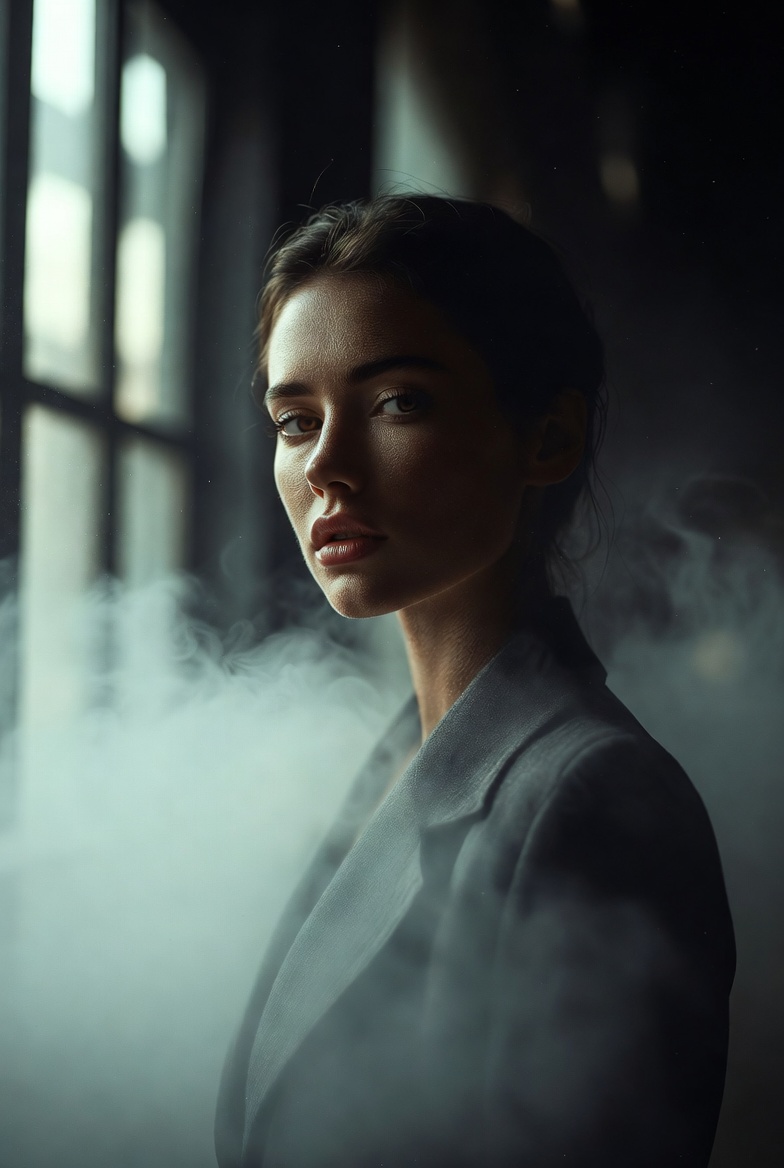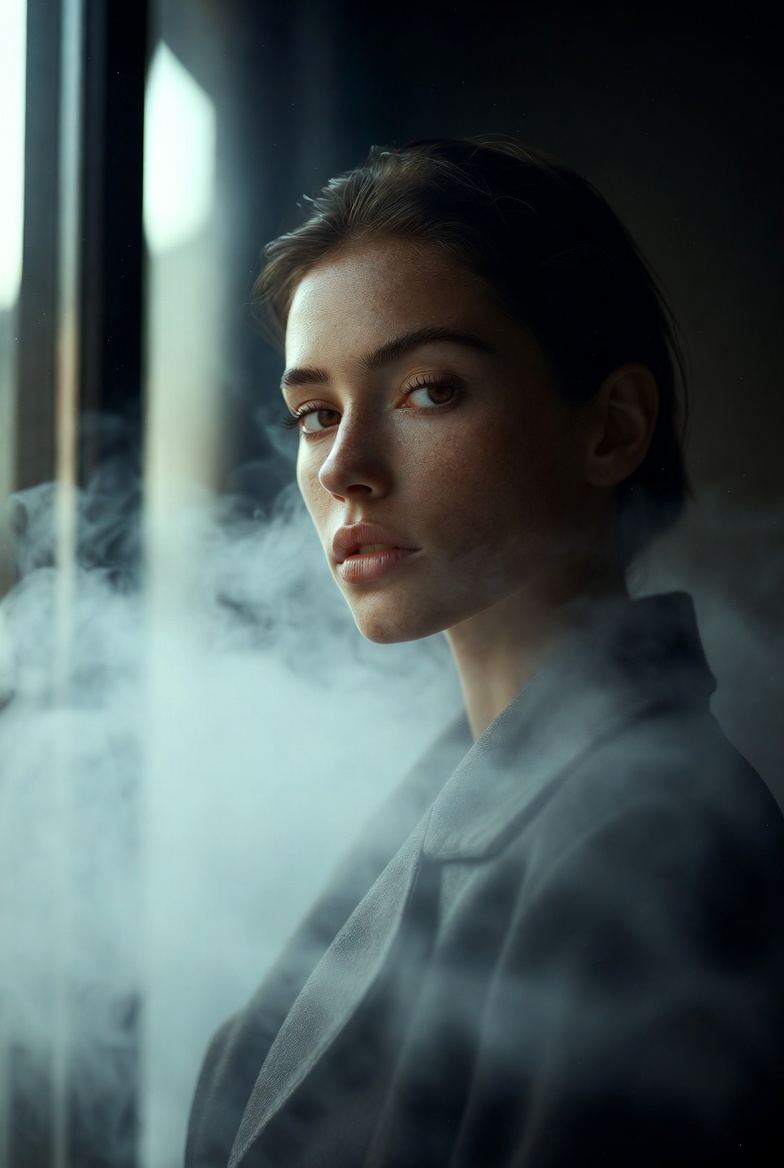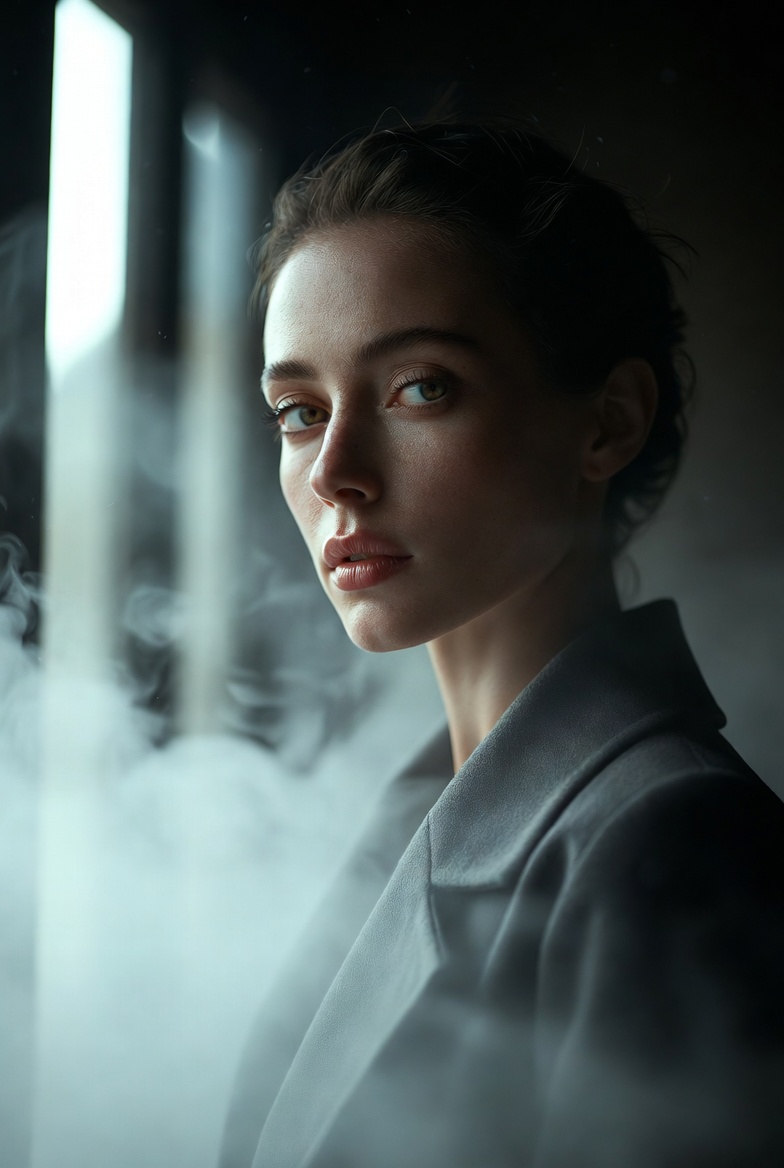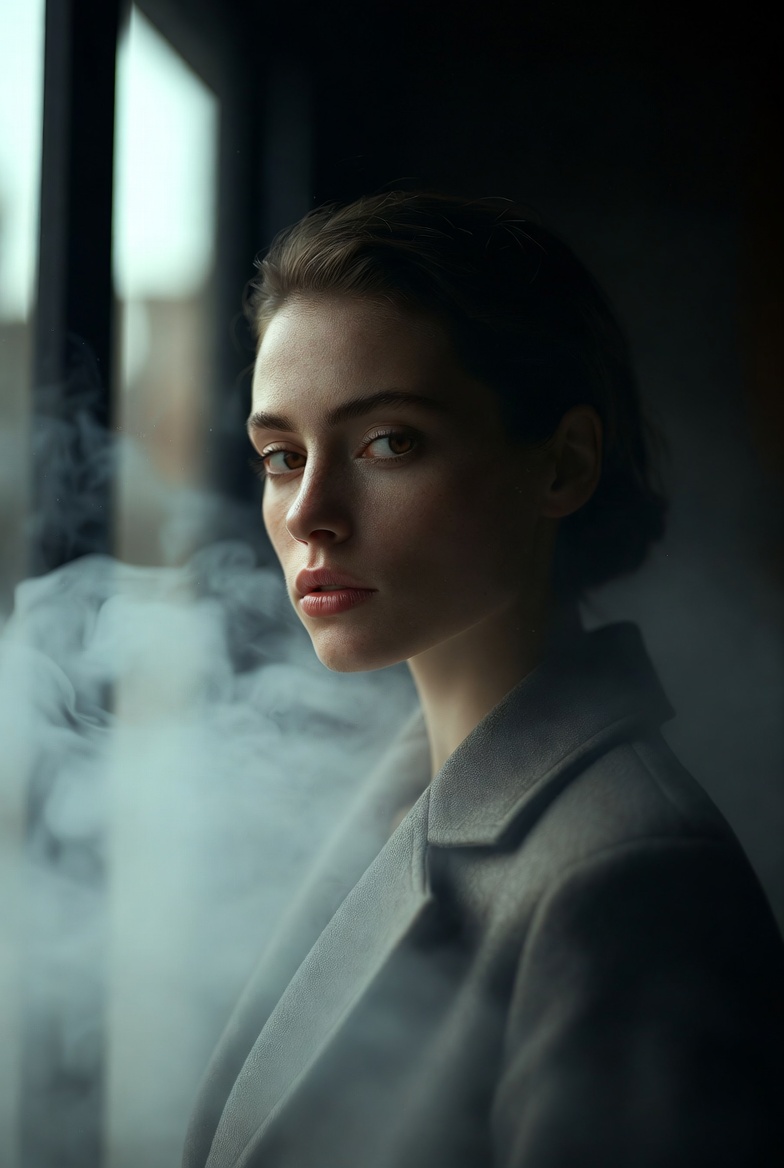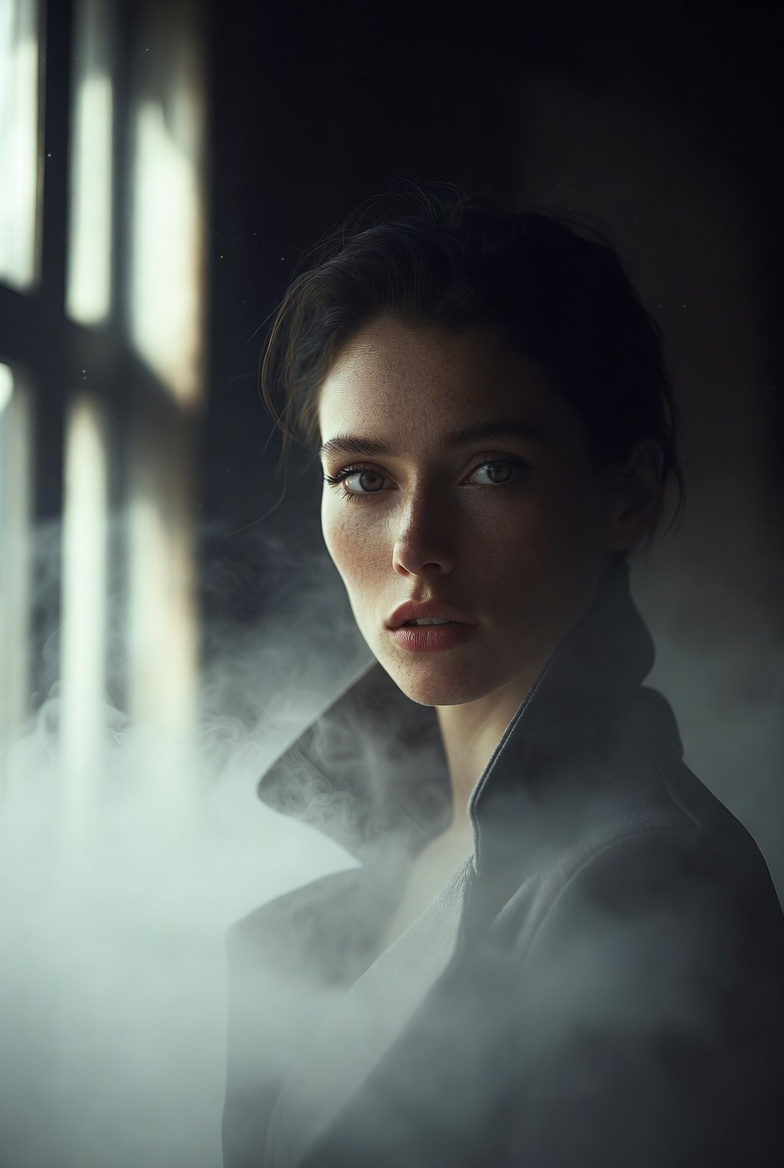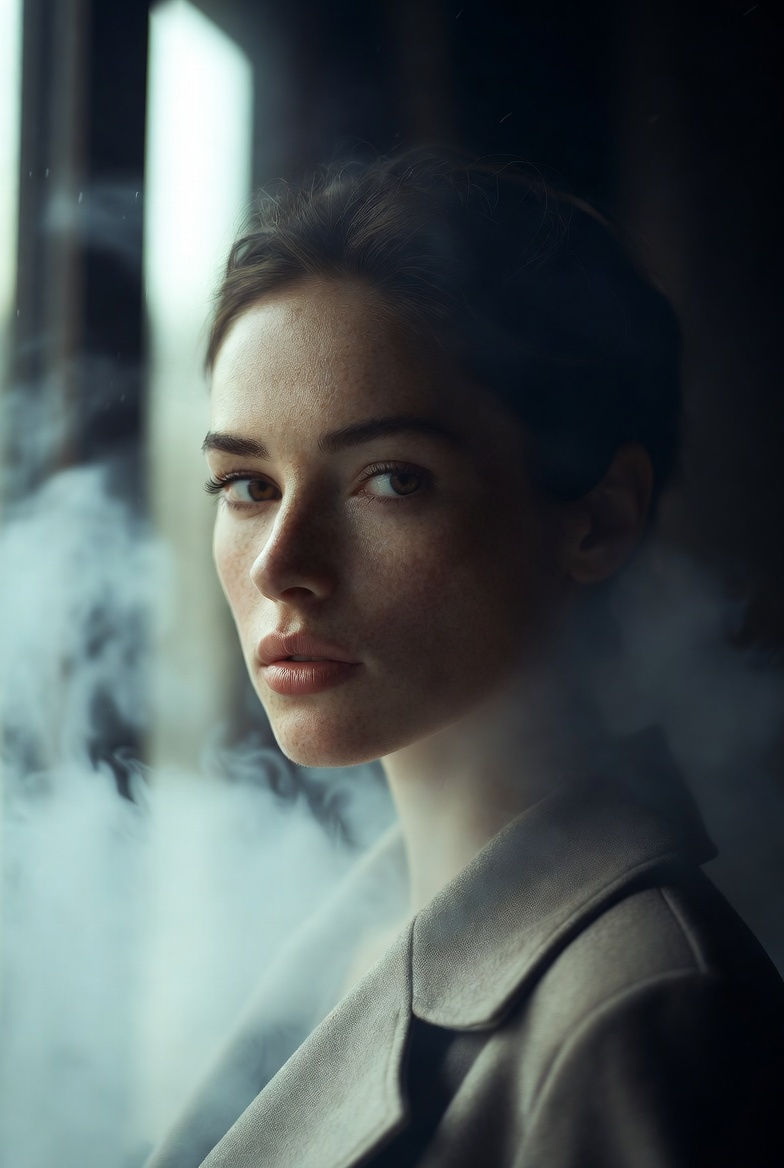
Volumetric fog is one of the easiest ways to make an AI image feel like a true movie frame. It introduces depth, visible light paths, and a sense of atmosphere that instantly reads as cinematic especially when the lighting has a believable source, like a window or doorway. This page is built around a beautiful young adult woman (21+) portrayed as confident and serene, styled in modern, clean tailoring. The objective is a film-still aesthetic that’s dramatic but still refined: no chaotic elements, no exaggerated fantasy glow just realistic haze, controlled light beams, and editorial-grade detail.
In Midjourney v6, SDXL, and Flux, “fog” can sometimes turn into milky blur or noisy smoke if the prompt doesn’t specify how it behaves. The trick is to describe it as volumetric haze with subtle dust particles and a clear light direction. When beams stream through a window, the model understands that the haze should reveal the light’s path, not obscure the subject. This gives you layered depth: foreground detail stays crisp (especially the face and eyes), while the background softens into a moody gradient. That layered depth is a major reason cinematographers love haze it makes even simple sets feel dimensional and expensive.
This look is useful for character posters, narrative portraits, moody brand visuals, or editorial concepts where you want intensity without clutter. Clean wardrobe choices help the model prioritize the face and lighting rather than inventing complex patterns. The prompt also emphasizes skin texture, catchlights, and highlight roll-off small details that separate “AI portrait” from “photograph.” If you want a reliable cinematic foundation that you can re-theme into countless scenes (warehouse, hallway, loft, studio), volumetric fog is a powerful, repeatable tool.
The AI Prompt
Why This Prompt Works
The prompt works because it anchors the atmosphere to a clear light source. “Beams streaming through a tall window” tells the model where to place highlights and how the haze should reveal them. “Volumetric fog and atmospheric haze” encourages depth layering, while “subtle dust particles” adds realism without turning the scene into heavy smoke. Low-key lighting creates a cinematic mood, but “preserved shadow detail” prevents crushed blacks that can hide facial structure.
Lens and framing choices keep results stable. A “50mm lens look” provides natural perspective in indoor environments, and “f/2.0” blurs the background enough to feel cinematic while keeping the subject readable. “Eye-level medium portrait” limits anatomy problems and keeps the focus on expression. Realism cues pores, skin texture, catchlights, highlight roll-off, film grain push the render toward a believable camera capture rather than a painterly output.
Tips for Customization
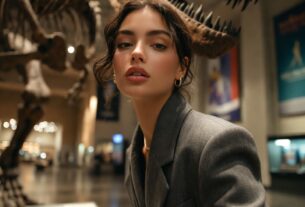
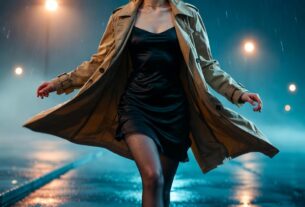
To customize safely and consistently, keep the beam logic intact and change one variable at a time. Swap the location: “industrial hallway,” “minimal loft,” “quiet studio corner,” or “museum-like corridor,” but retain the window beams and haze. For mood, rotate descriptors: “mysterious calm,” “quiet determination,” “thoughtful focus,” or “powerful composure.” Wardrobe shifts can change the story quickly: “structured blazer,” “dark knit sweater,” or “sleek trench coat,” all clean and non-busy.
Adjust the fog density carefully. “Light haze” keeps everything crisp, “moderate fog” increases beam visibility, and “thick haze” can obscure details use it only if you also reinforce “sharp facial detail, eyes in focus.” For color grading, try “cool steel tones,” “warm amber highlights,” or “neutral cinematic grade.” If the image starts to look too dreamy, reduce stylization language and increase photographic cues like “balanced exposure” and “realistic tonal range.”
Common Issues & Fixes
- Issue: Fog turns into thick smoke that hides the face.
Fix: Use “light atmospheric haze” and add “clear facial detail, sharp eyes in focus.” - Issue: Beams look fake or random.
Fix: Reinforce “single window light source from the side” and “coherent beam direction.” - Issue: Scene becomes cluttered with objects.
Fix: Specify “minimal interior, uncluttered background, simple shapes.” - Issue: Shadows crush into pure black.
Fix: Add “preserved shadow detail, rich midtones, controlled contrast.” - Issue: Skin looks overly smooth.
Fix: Repeat “realistic skin texture, natural pores, subtle imperfections.”
Frequently Asked Questions
Q1: Why does haze make images look more cinematic?
It adds depth layering and makes light visible in the air, creating a film-like sense of space and atmosphere.
Q2: Can I use this prompt outdoors instead of indoors?
Yes swap to “foggy street at dawn” or “misty park walkway,” but keep a clear light source like “streetlamp beams” or “sun rays.”
Q3: How do I keep the portrait sharp when using fog?
Specify “sharp focus on eyes” and keep fog described as “light haze” rather than heavy smoke, especially near the face.